

Fake Update. System updates and errors, on demand.
An Android prank app that turns your phone screen into realistic system updates, factory resets, exploding warnings, and blue screens.
Pick one from the built-in collection or put together your own. Nothing touches your system files: it's just a full-screen activity meant to make someone pause for a second.
Get it on Google Play (opens in a new tab) See what's inside
What's inside
Screenshots straight from the app, pasted onto the page as they look on a phone.
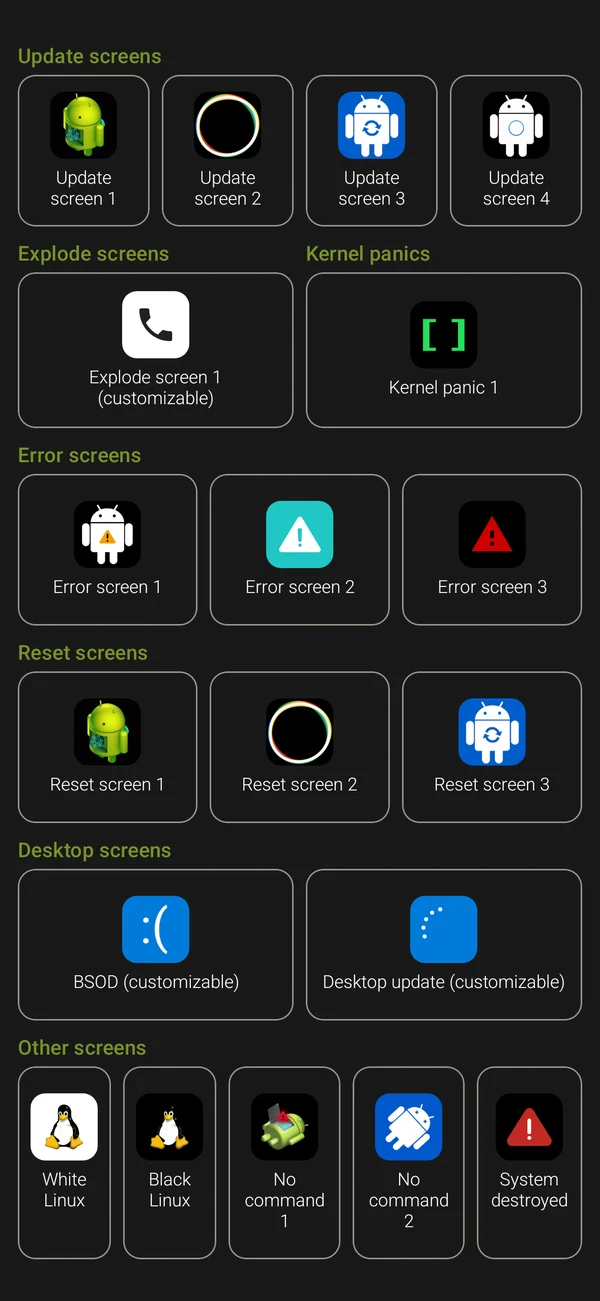
Pre-made update & error screens
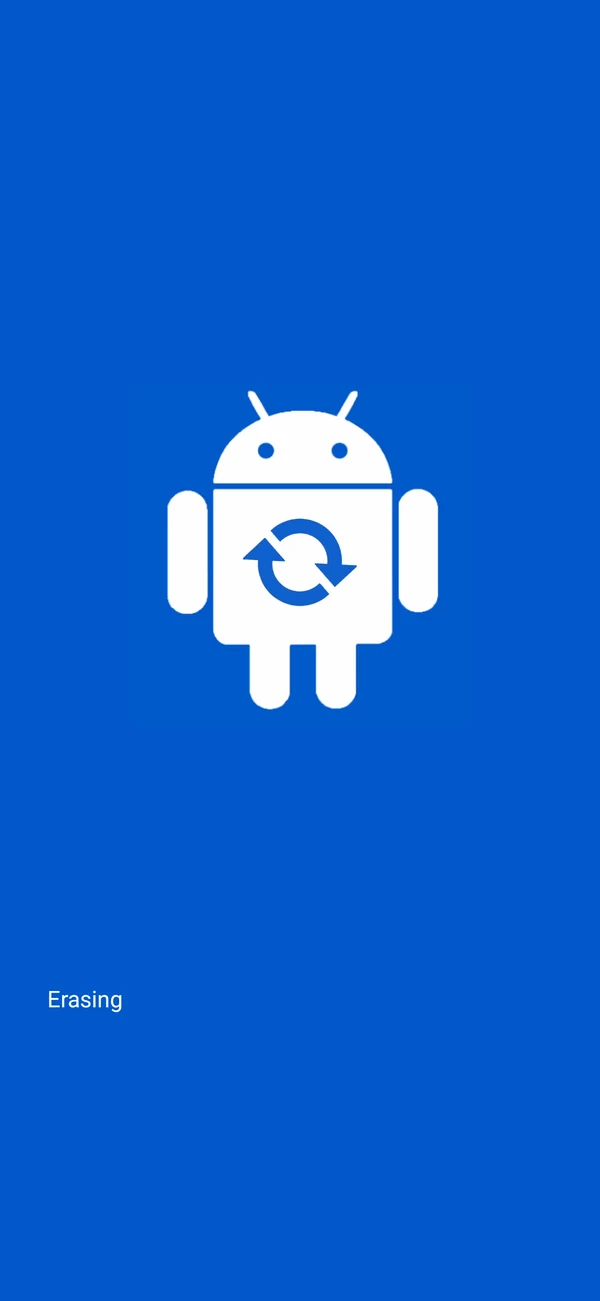
Four system updates, three factory resets, three error screens, a kernel panic, an exploding countdown, Linux boot screens, "No command" recovery errors, and a Windows-style blue screen.
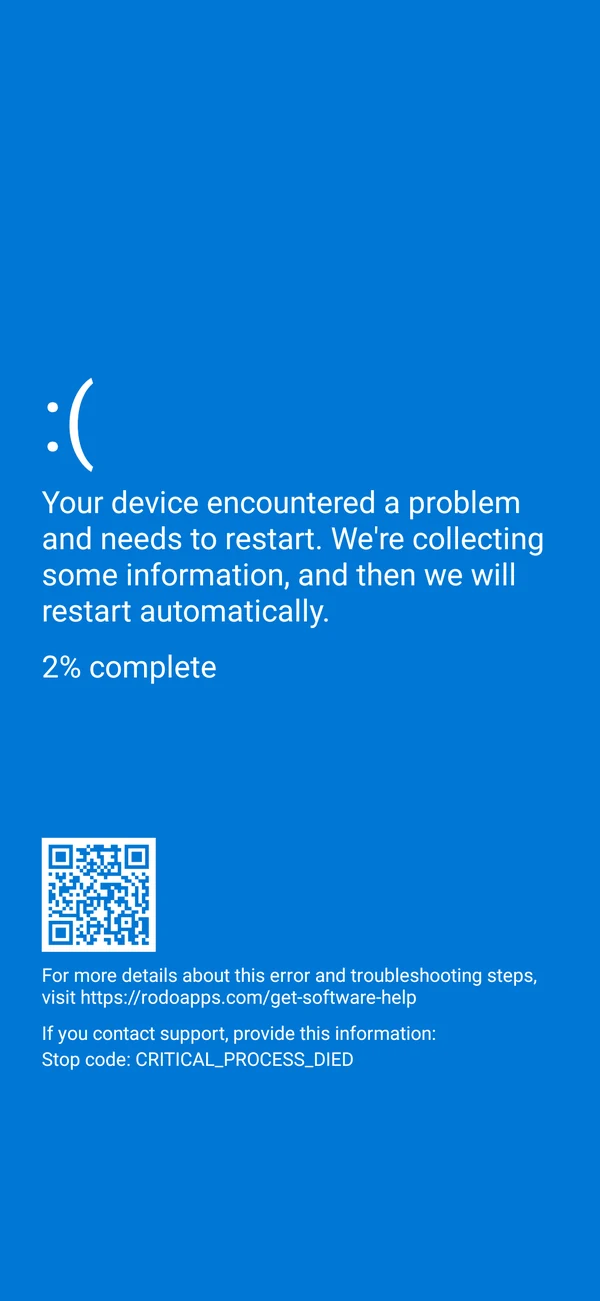
Tap one and it takes over the whole screen. A handful of them let you tweak their details before you launch: the blue screen, desktop update, and exploding countdown.
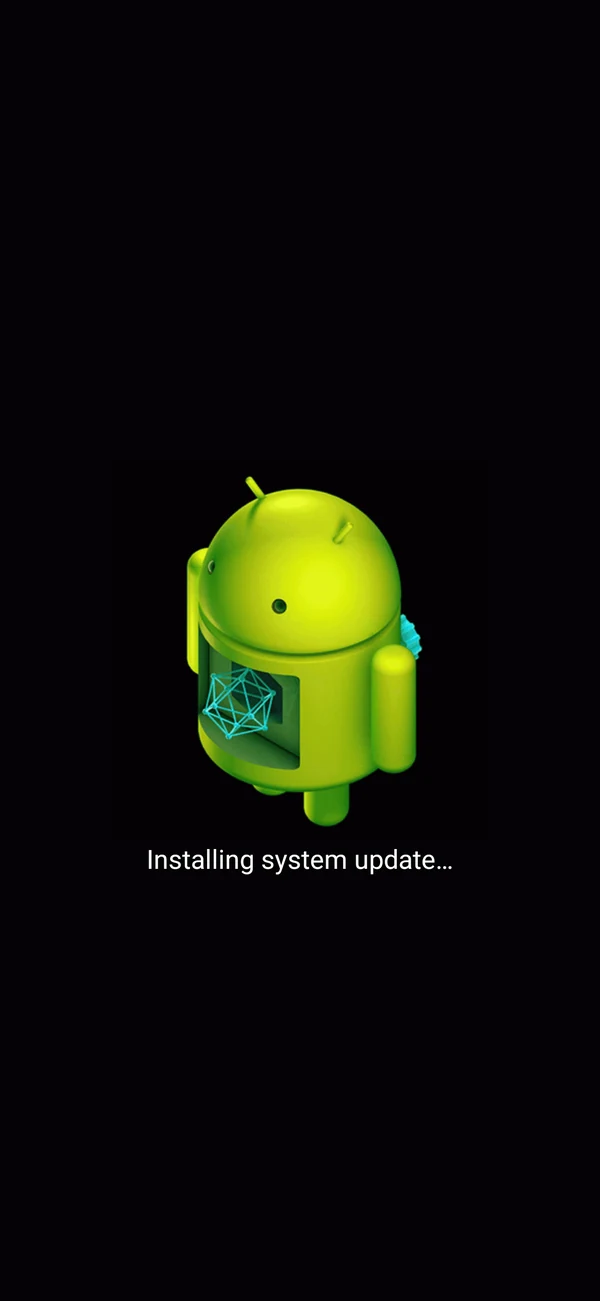
A few more from the collection
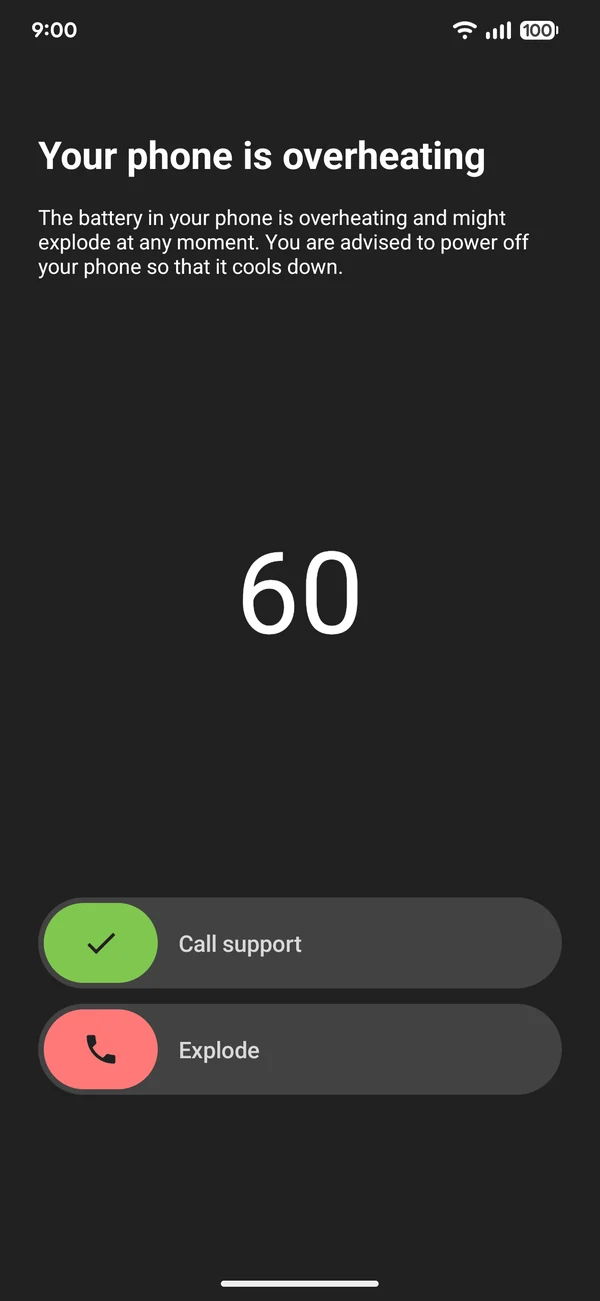
Make your own
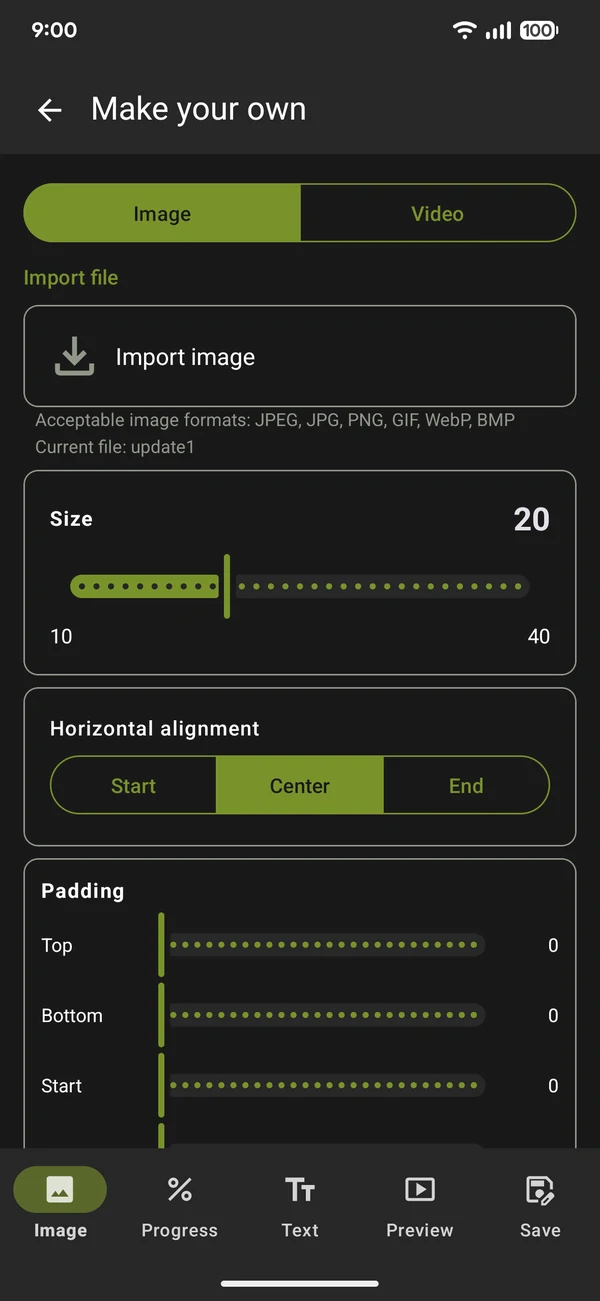
If none of the built-in screens match the bit you have in mind, build your own. Drop in an image or a video, adjust its size, alignment, and padding, add your own text and progress behavior, and preview it before saving.
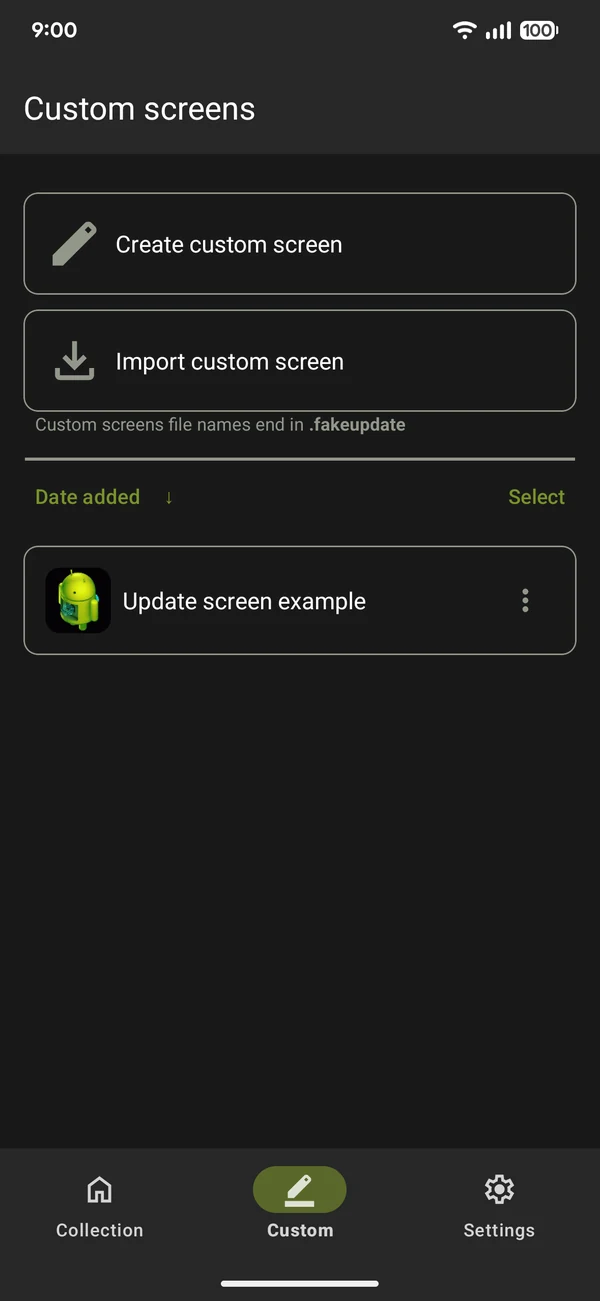
Custom screens stay in their own tab, and you can import .fakeupdate files if someone sends you one they put together.
.fakeupdate imports.Screen pinning
An optional setting automatically pins the app the moment you enter an update screen. If someone picks up the phone to check what's going on, a quick swipe home or tap on the back button won't drop them out of the prank.
It uses Android's built-in screen pinning, so you turn it off whenever you want and unpin the phone the same way you unpin any other app.
Try it on Android.
Free on Google Play. No real updates, resets, or system files are touched.
Fake Update on Google Play (opens in a new tab)